Ciwb /kyoob/ · Welsh for cube
Voxel art,
from model to game.
One desktop app to model, texture, rig, render and export voxel assets. Built for people who ship games.
macOS and Linux: use it in your browser
In motion
The good stuff, up close.
Recorded in the app
01 · Split view
Four views of one scene
Shape in perspective while top, front and side keep up. Every pane has its own camera.
02 · Linked copies
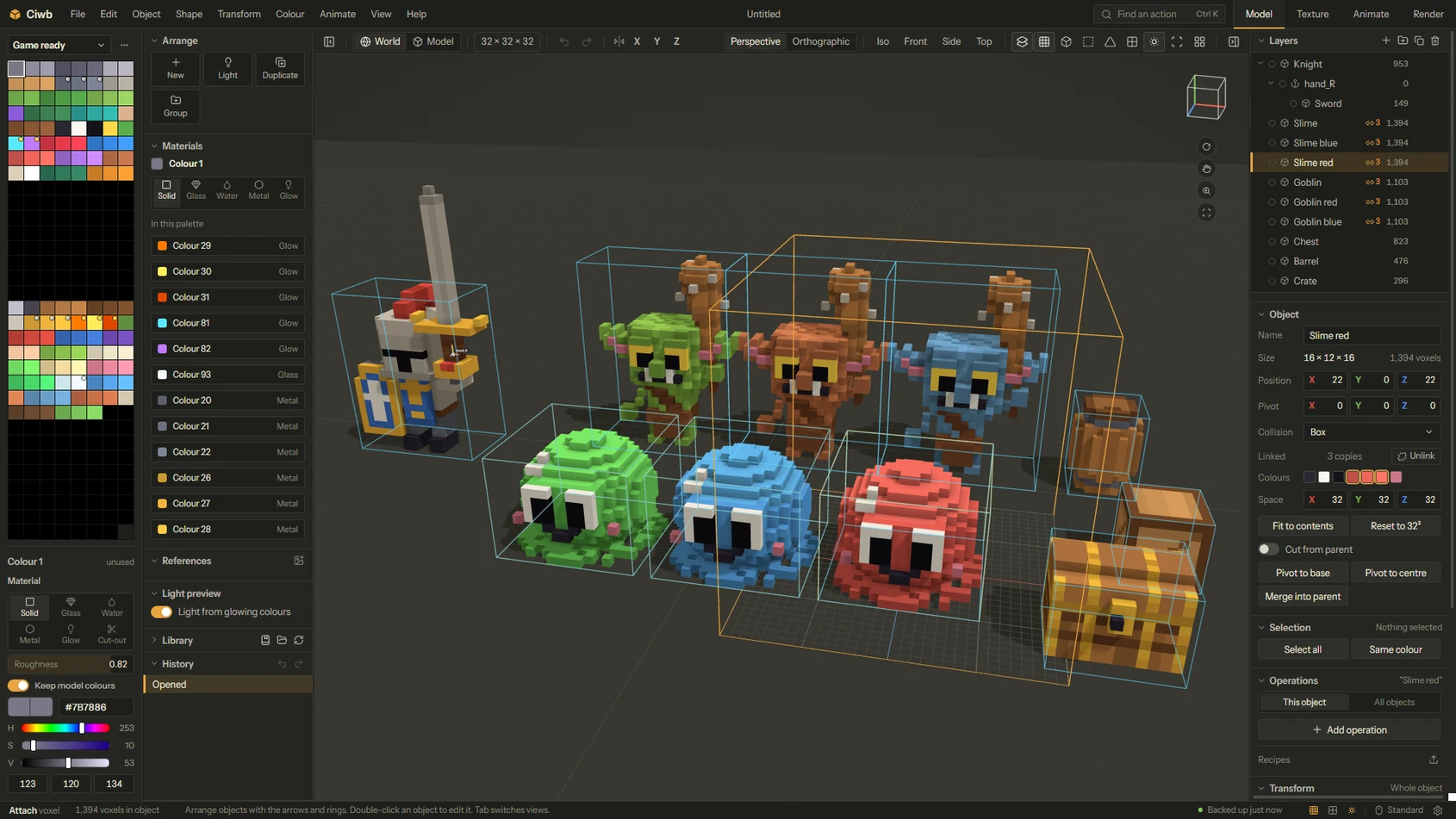
One shape, many colours
Edit one copy and they all follow. Each copy can swap its own colours.
03 · Cut from parent
Holes you can move
Turn on Cut from parent and an object carves a hole in the one it sits in. Slide it, hide it or delete it, and the model under it is untouched.
04 · Bones
Rigged, then walking
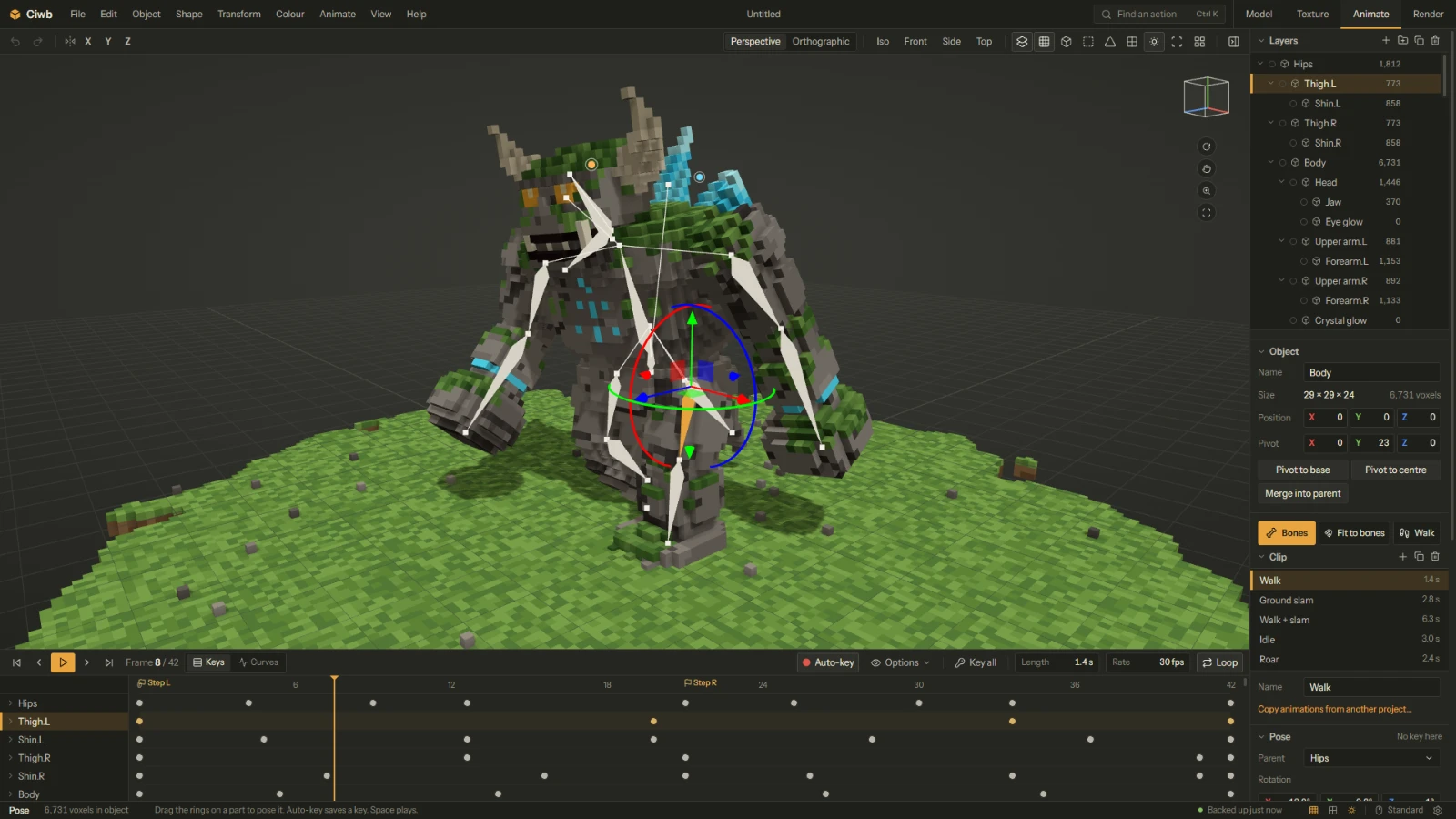
Bones fit to the model, with IK and saved poses. Walk and run come ready to go.
05 · Render
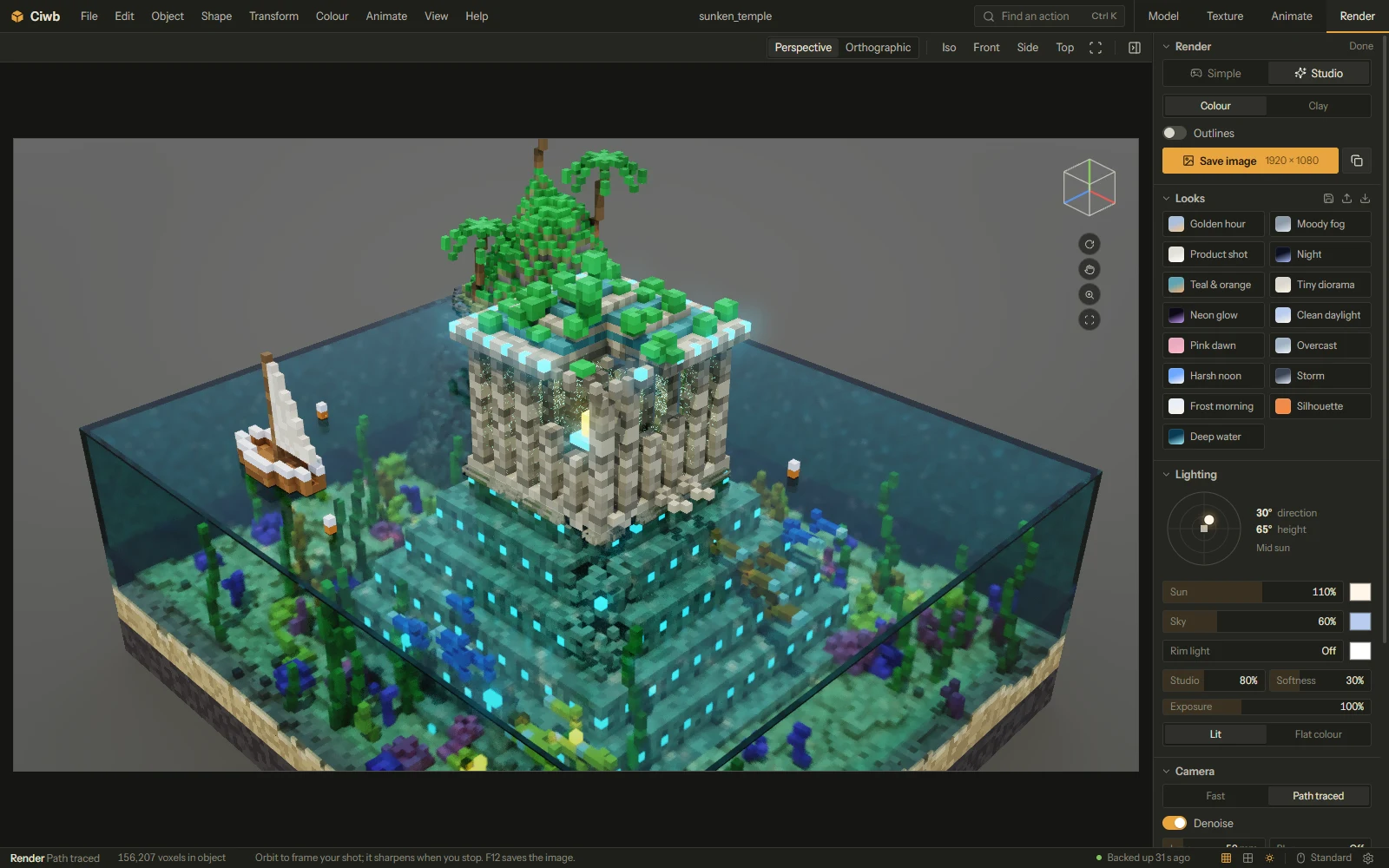
Path traced, in the app
Bounced light, glass and glow, with a denoiser that cleans it up in seconds.
06 · Terrain
Rivers in one stroke
Draw a path across the land and it carves a bed and fills it with flat water.
07 · Ctrl K
Every action, one search away
Type what you want and press Enter. No menu diving.
08 · Check Scene
Catch it before your engine does
Floating voxels and export problems, listed before you ship.
09 · Themes
Light, as well as dark
A light theme built with the same care, for bright rooms and long days.
Features
Everything between a blank grid and a game file.
01 · Model
Brushes and shapes
A Box brush with many shapes, terrain with rivers and ponds, and Booleans.
02 · Detail
Patterns and operations
Rust, moss, snow and vines, saved as recipes you can reuse. 80 bundled shaders, plus your own shader files.
03 · Texture
Pixels on faces
Paint pixel art on faces, in layers, and lay it out on UV sheets.
04 · Materials
Glass to glow
Glass, water, metal, glow and cut-out, each with its own settings.
05 · Animate
Bones that fit
Draw bones, fit them to the model, then pose with IK, constraints and saved poses.
06 · Render
Fast or path-traced
A denoiser, saved looks, turntables, and video out as MP4 or GIF.
07 · Export
Game-ready GLB
Checked for Godot, Unity and Unreal, with collision, attachment points and LODs.
08 · Organise
Library and checks
Linked copies, a reusable library, Check Scene, and light and dark themes.
Workflow
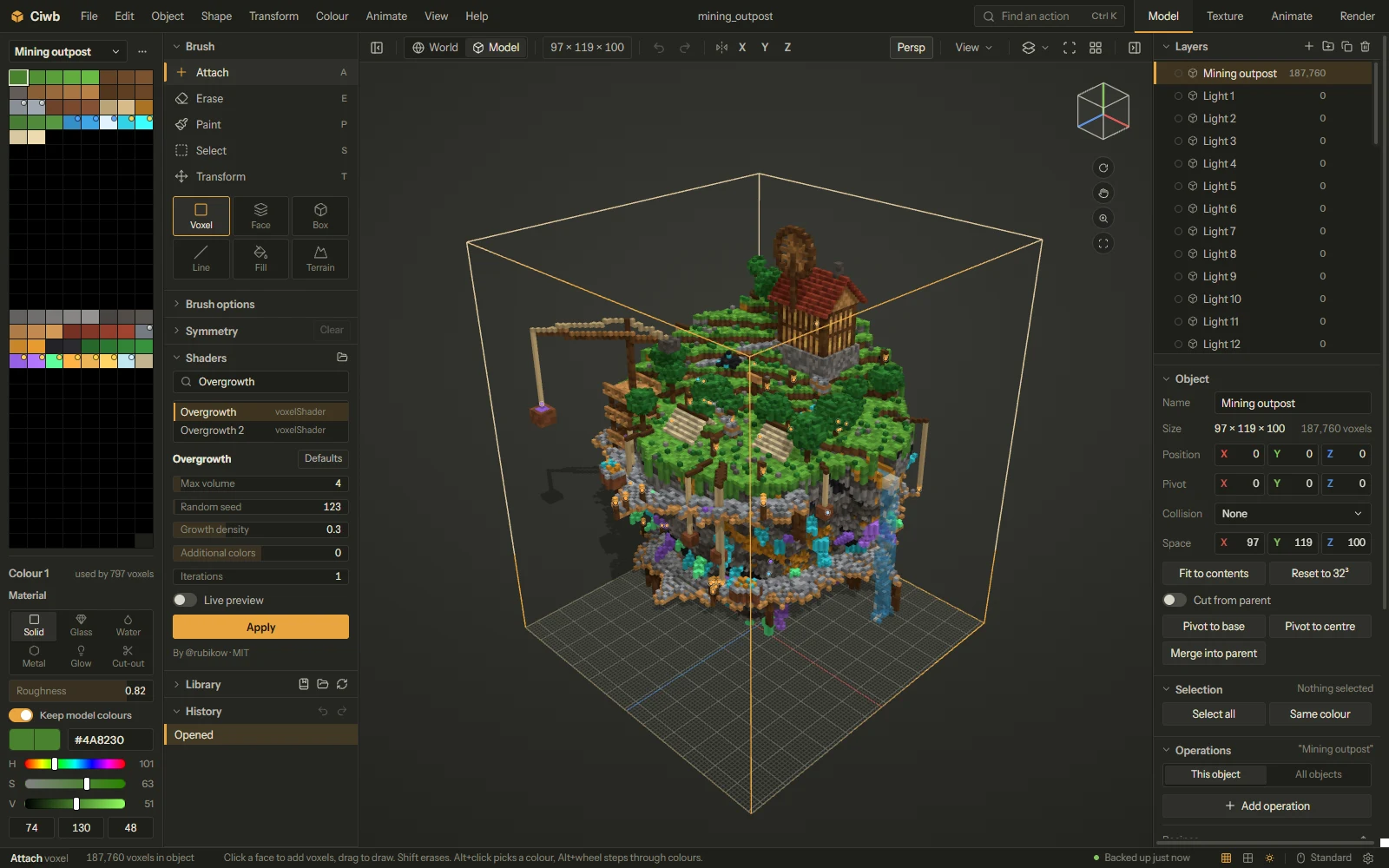
Four tabs. One file.
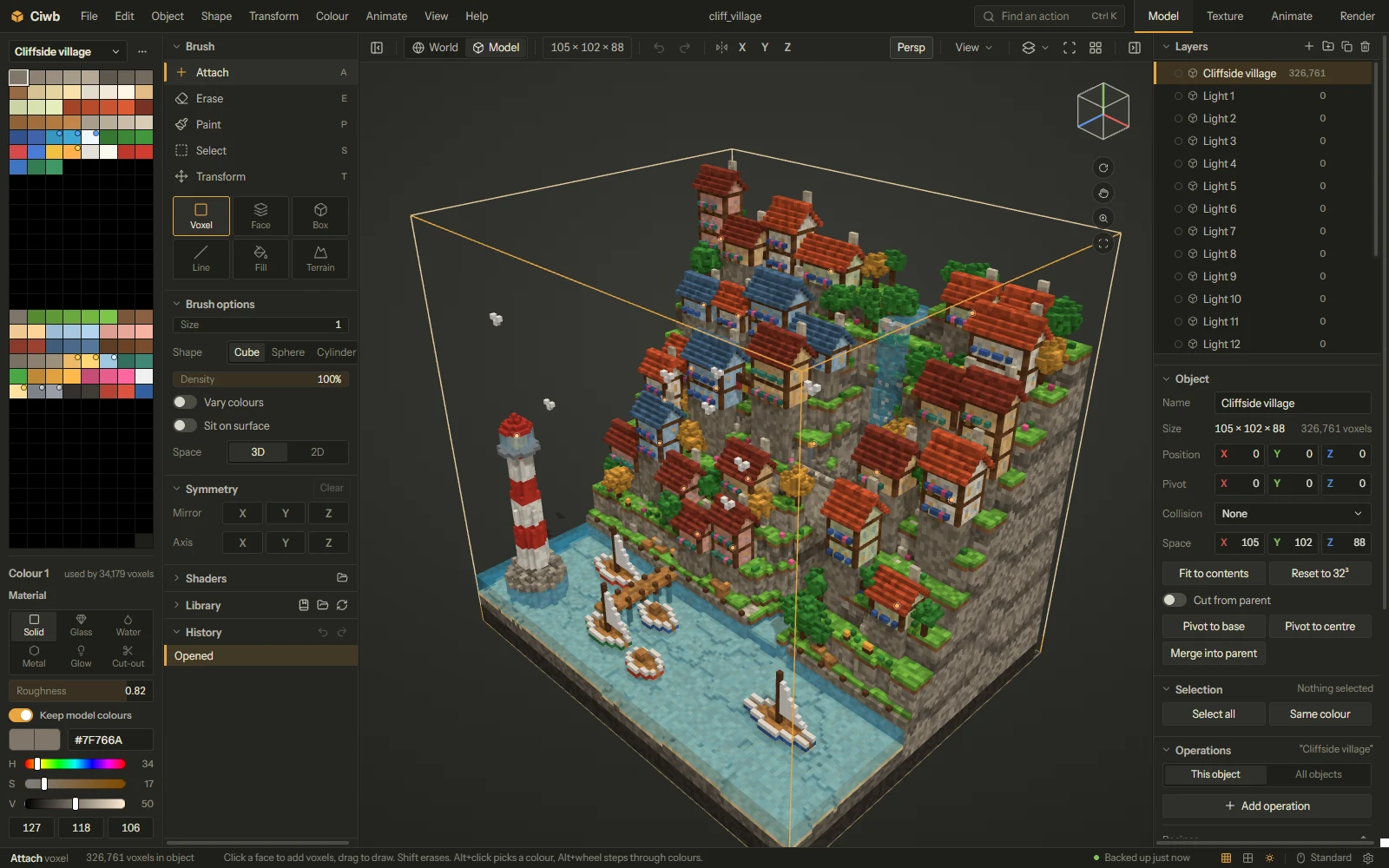
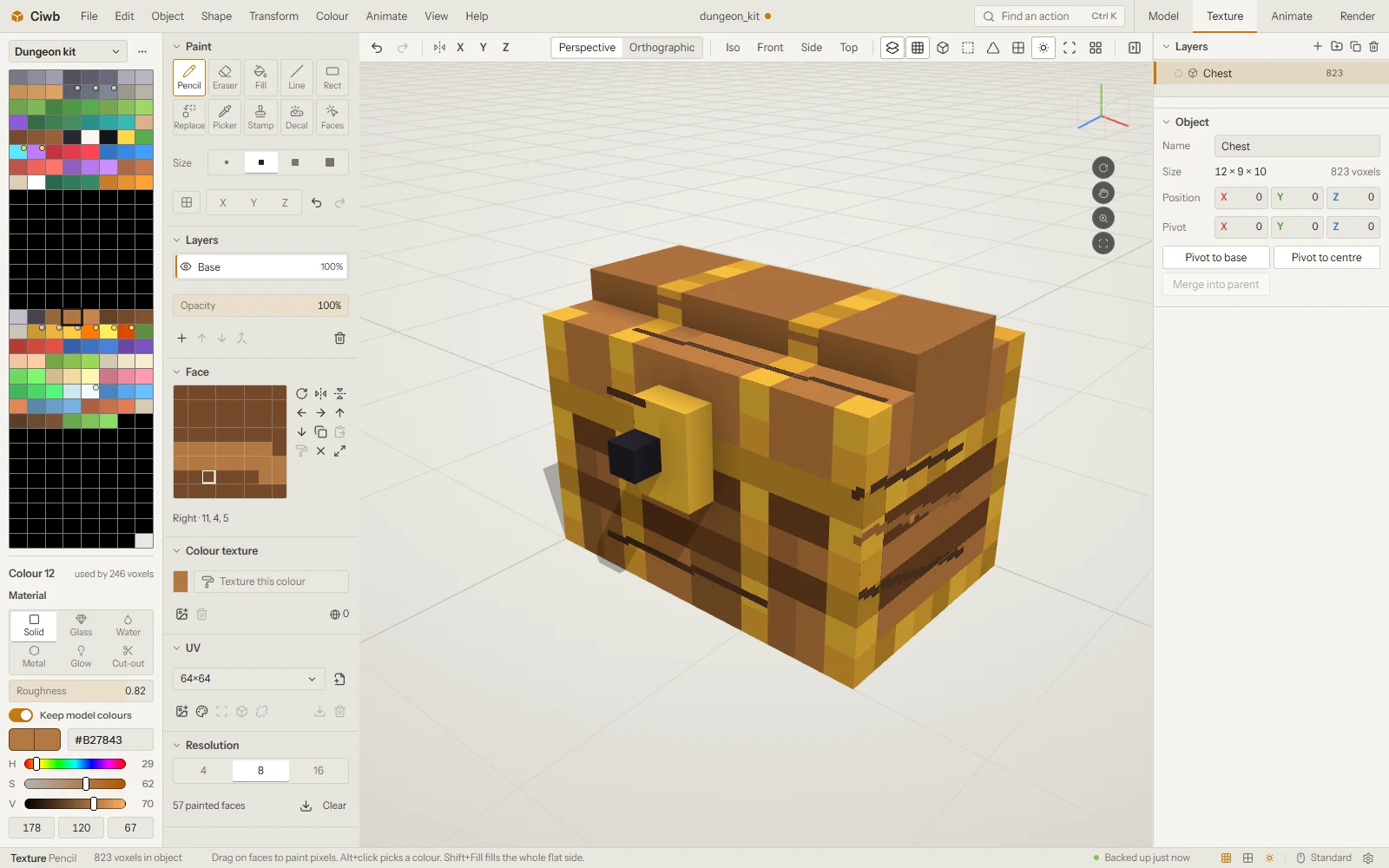
Model, Texture, Animate and Render sit side by side. The same project carries the voxels, the paint, the bones and the camera, so nothing gets lost between tools.
- 01
Model
Block out with brushes, shapes and terrain.
- 02
Texture
Paint pixels on faces, then lay out UVs.
- 03
Animate
Draw bones, fit them, add walk and run presets.
- 04
Render and export
Path-trace a still, or export a checked GLB.
The tabs
Export
Drop it in your engine.
GLB files are checked before they're written, so they import cleanly.
- Godot
- Unity
- Unreal
- · Collision shapes
- · Attachment points
- · LODs
- · Sprite sheets
Opens
.vox, .qb, .gox and Minecraft schematics. Imports 3D models as voxels.
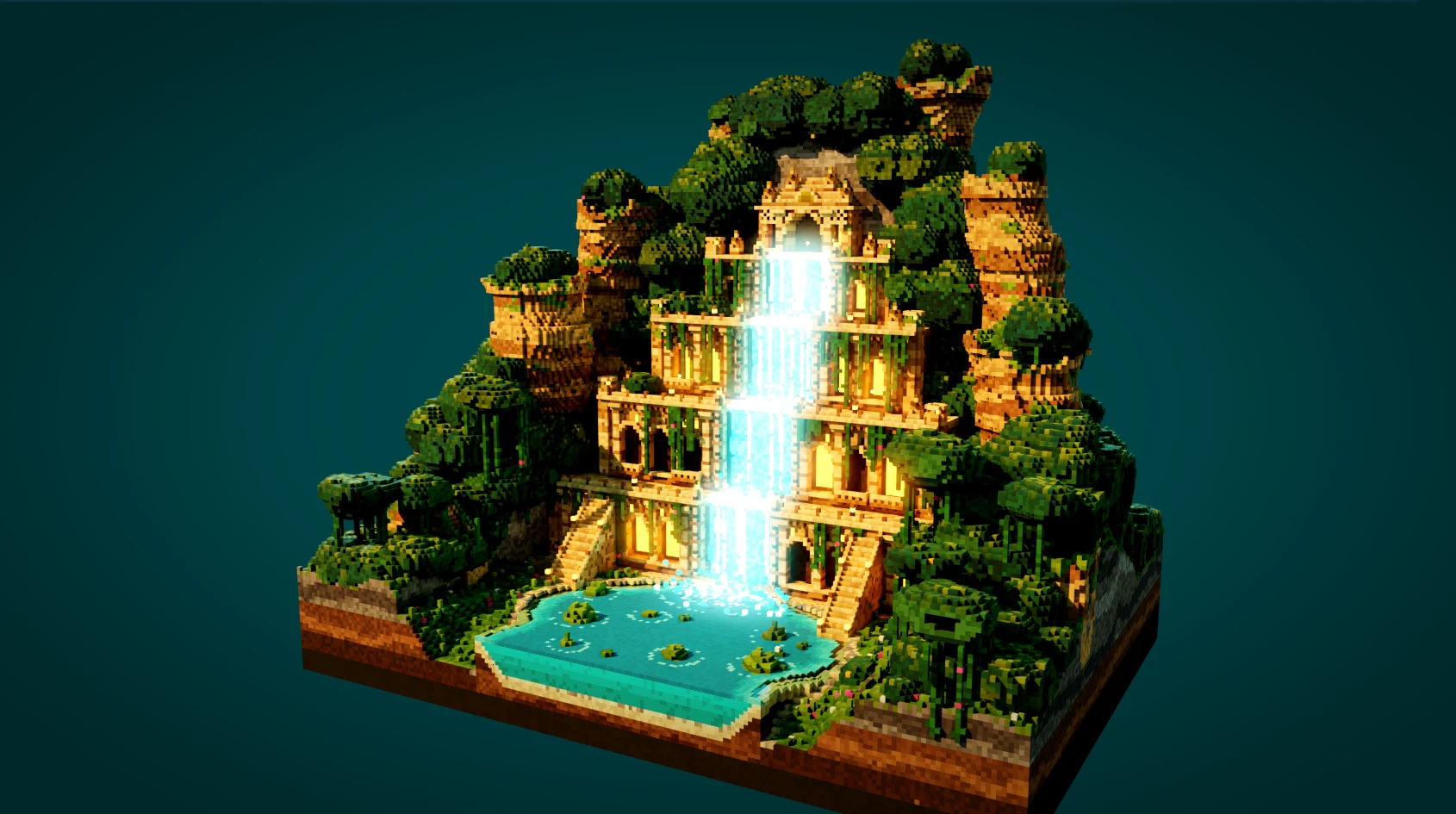
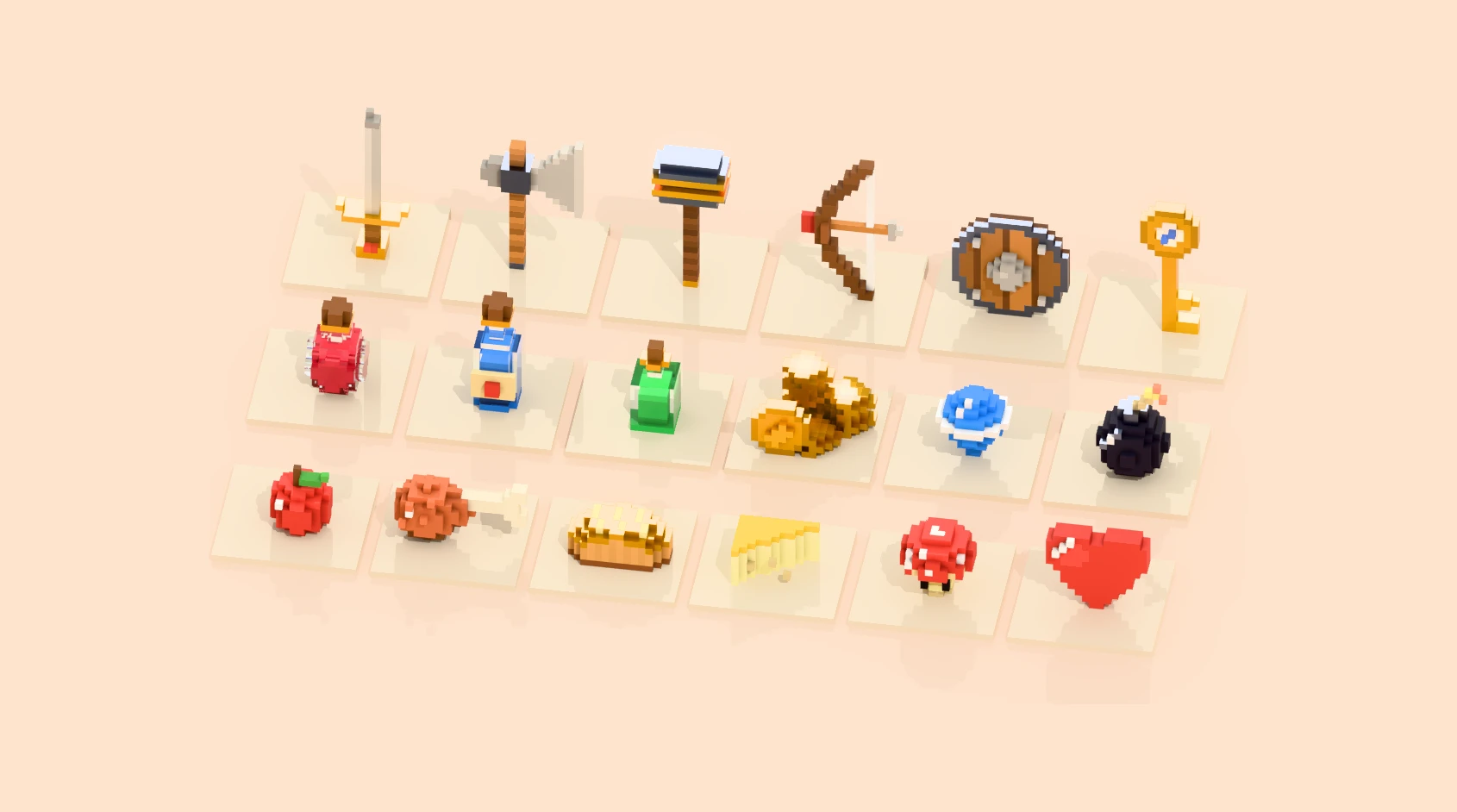
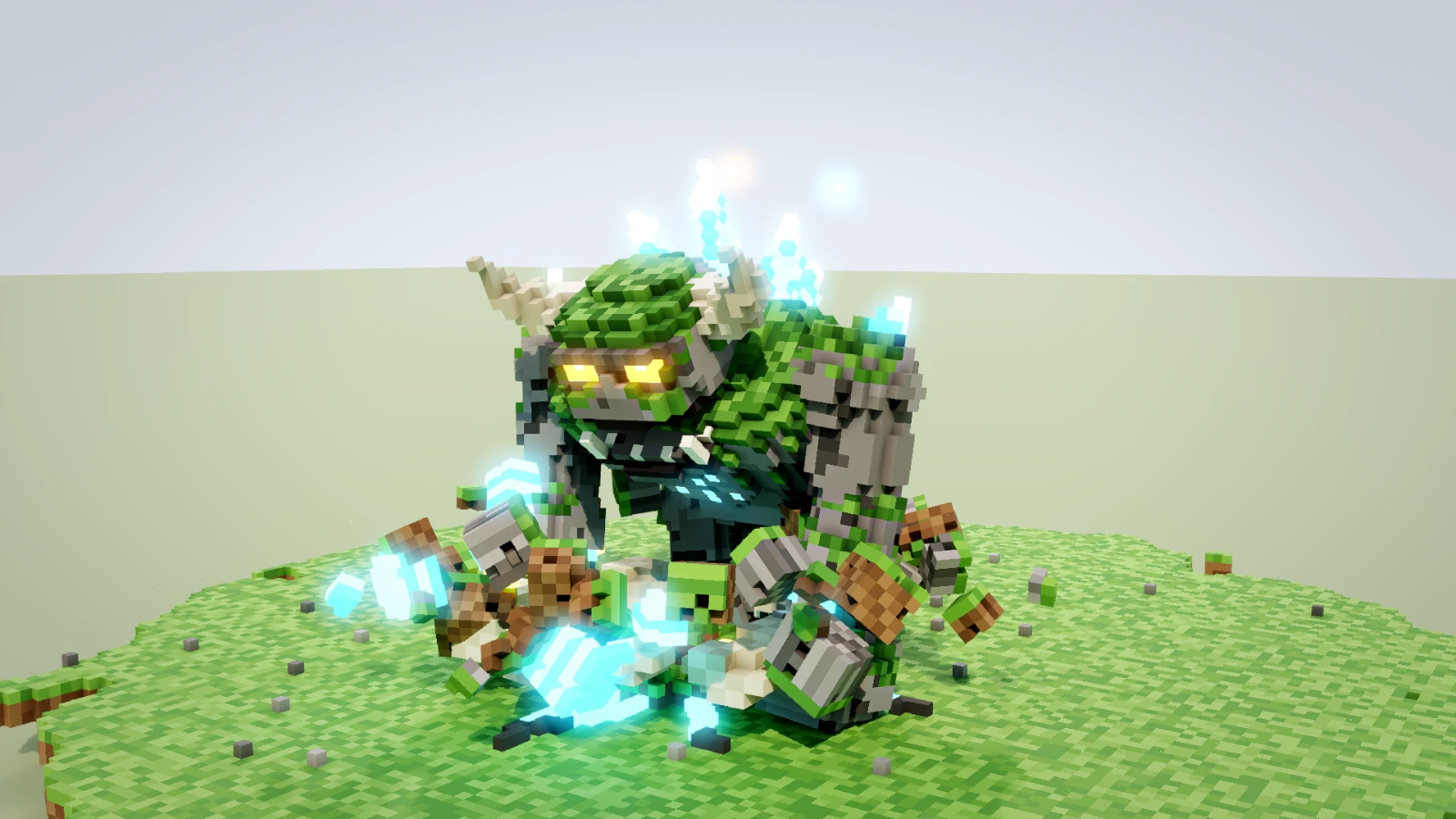
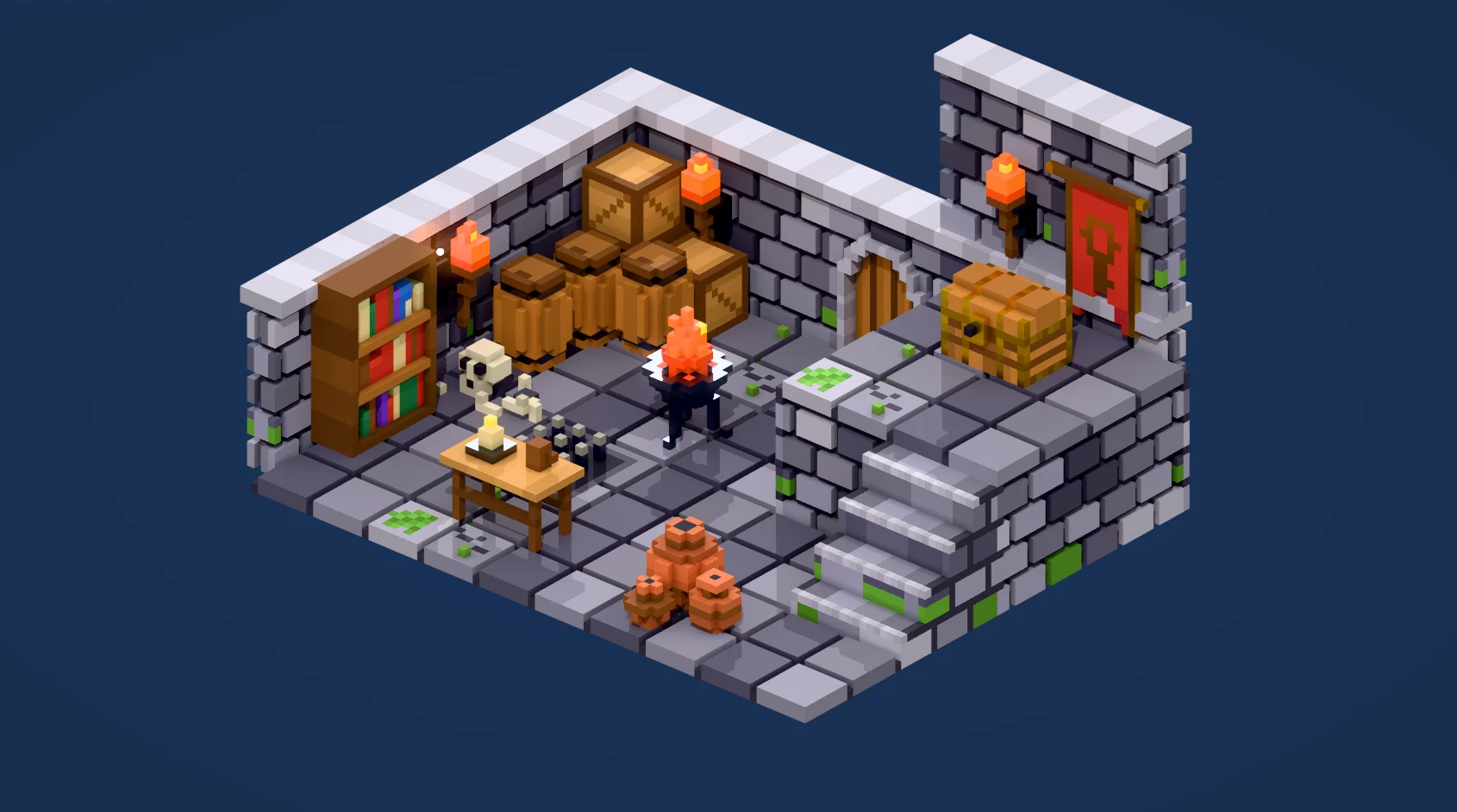
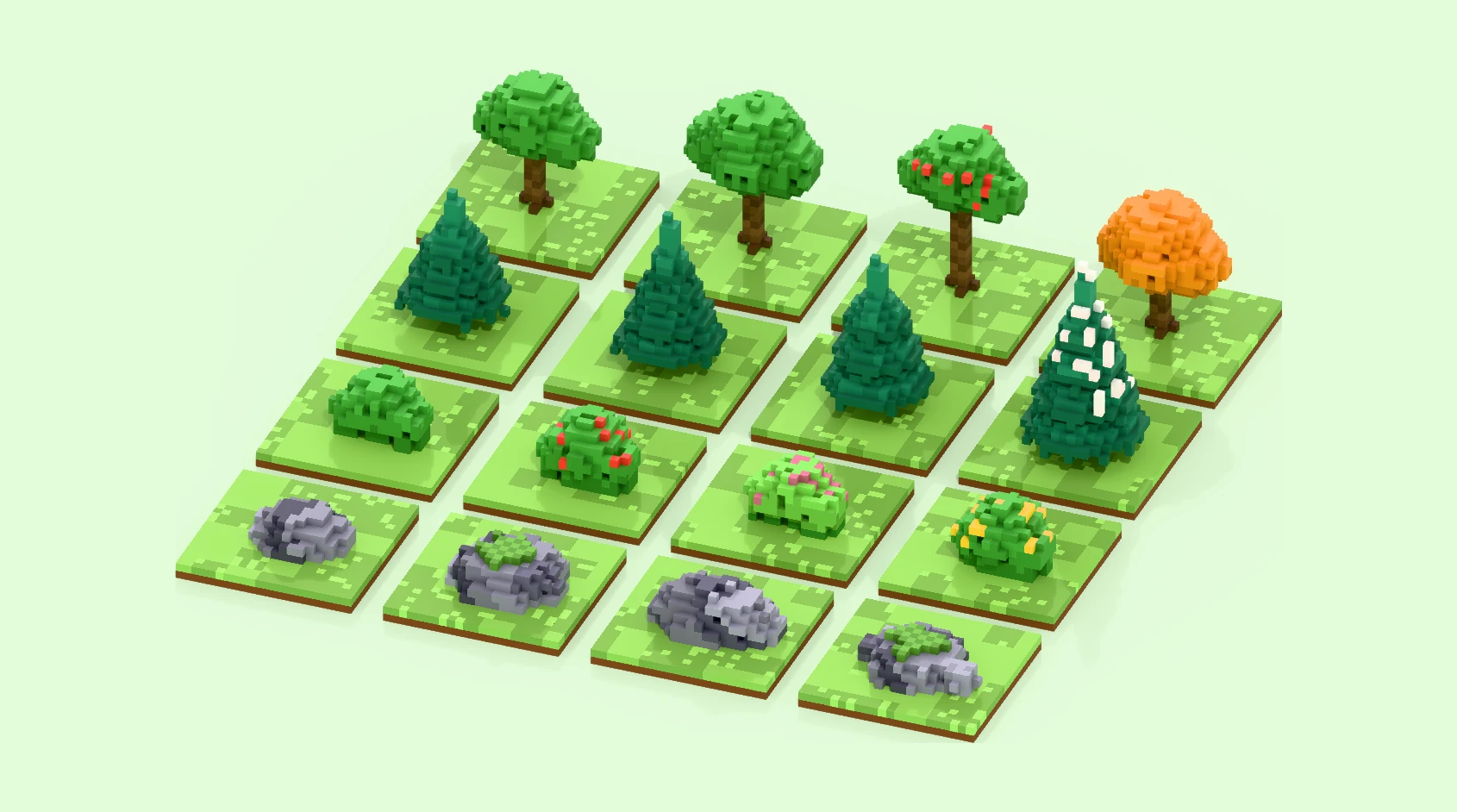
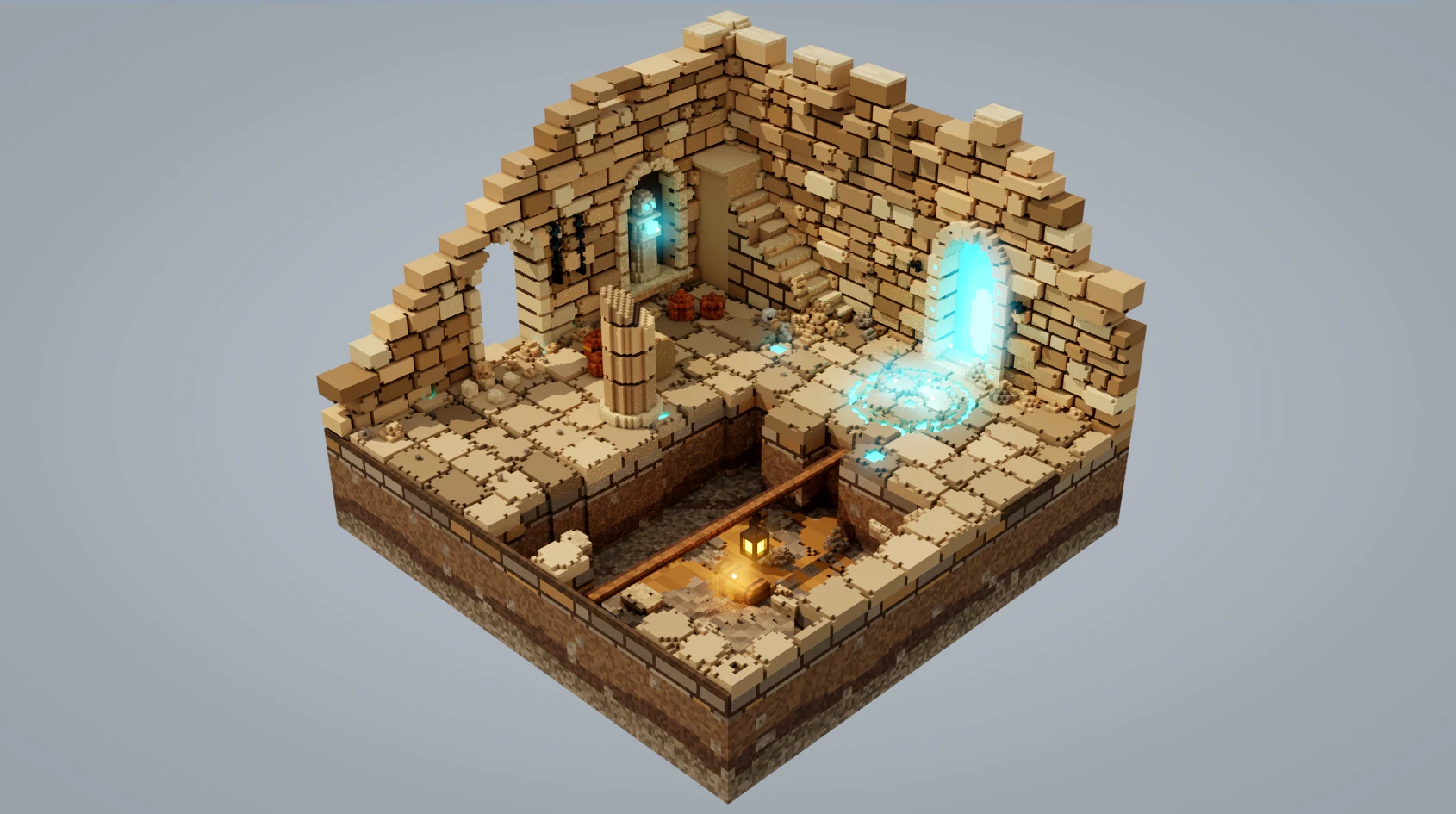
Made with Ciwb
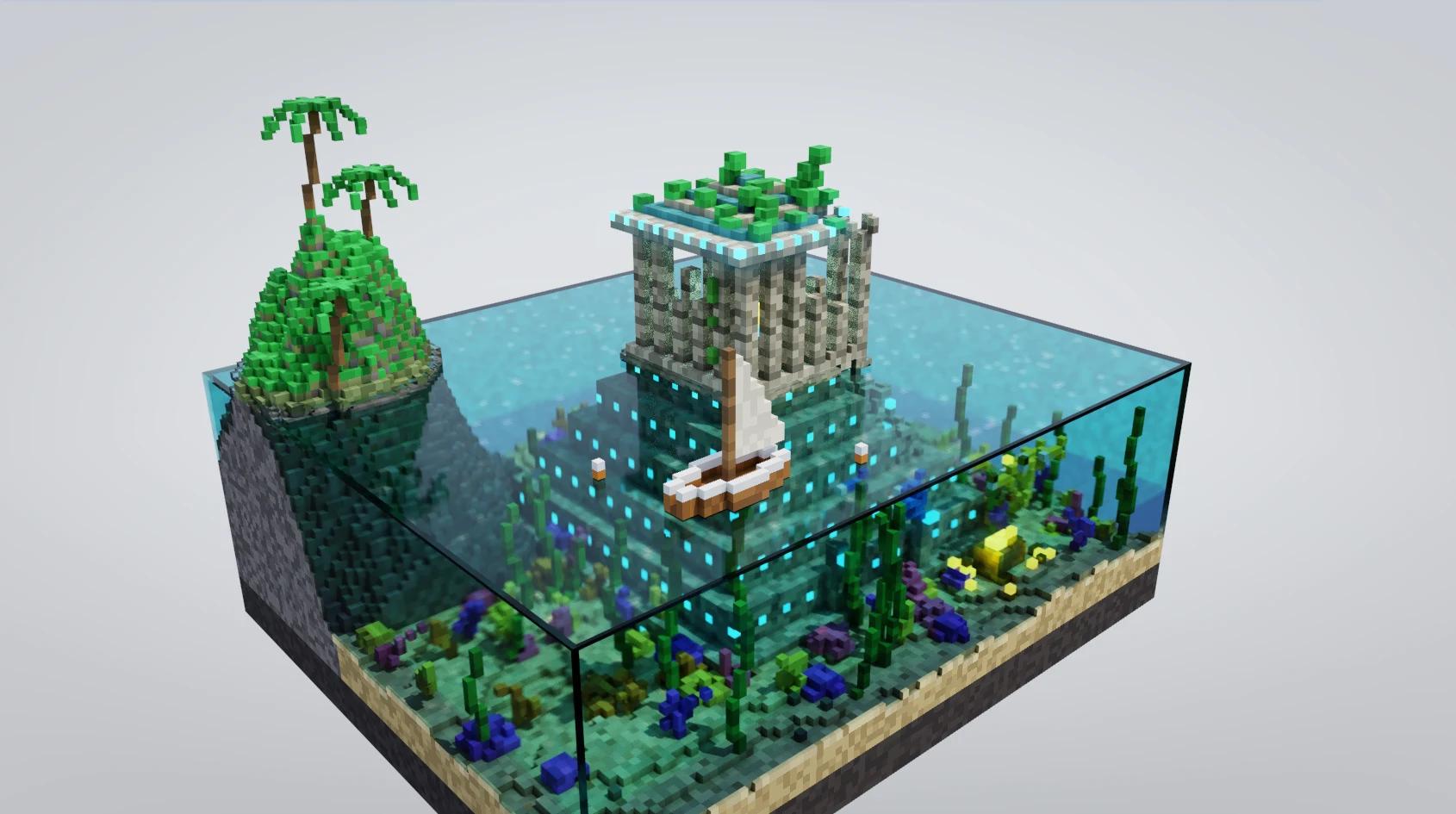
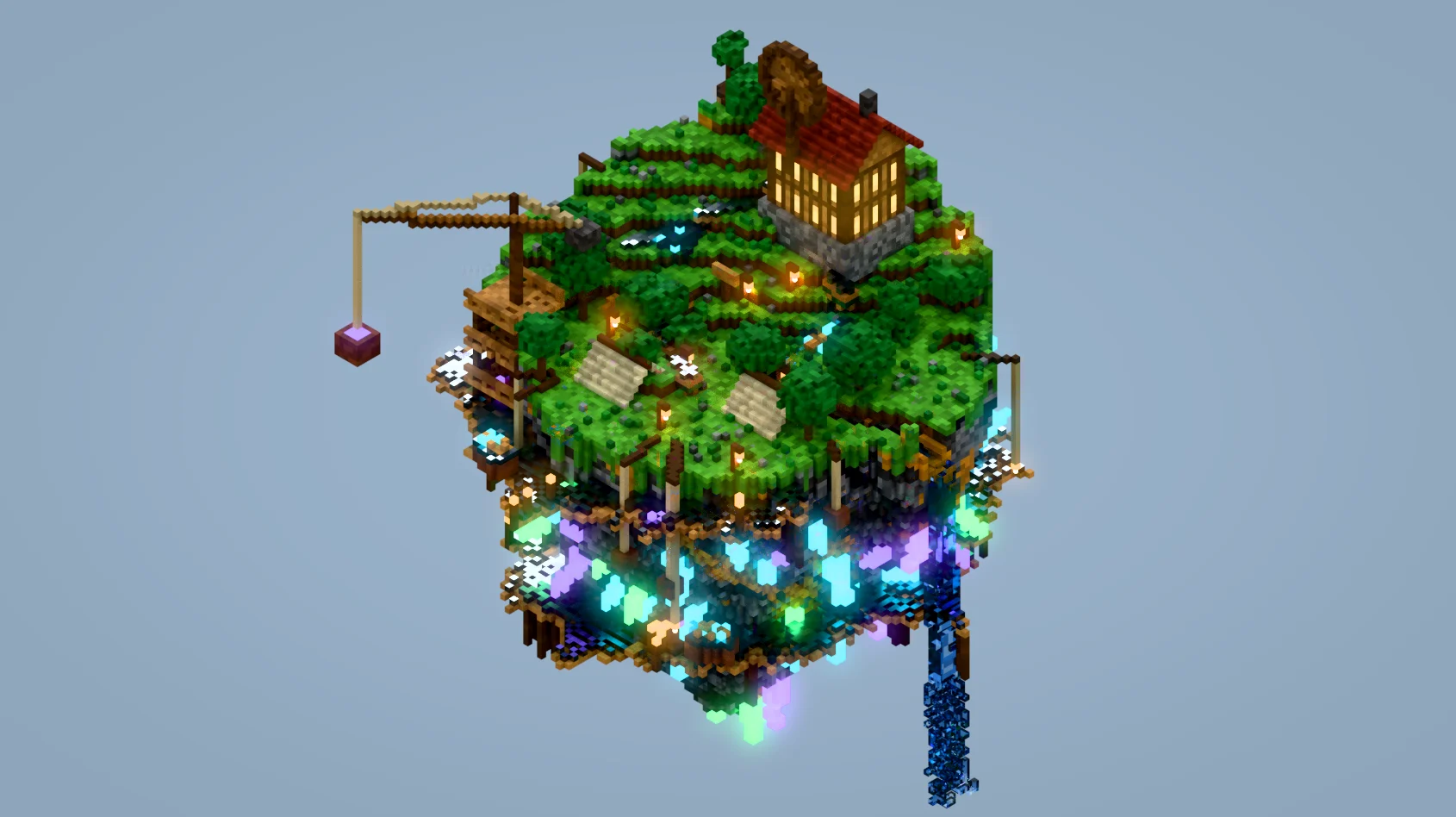
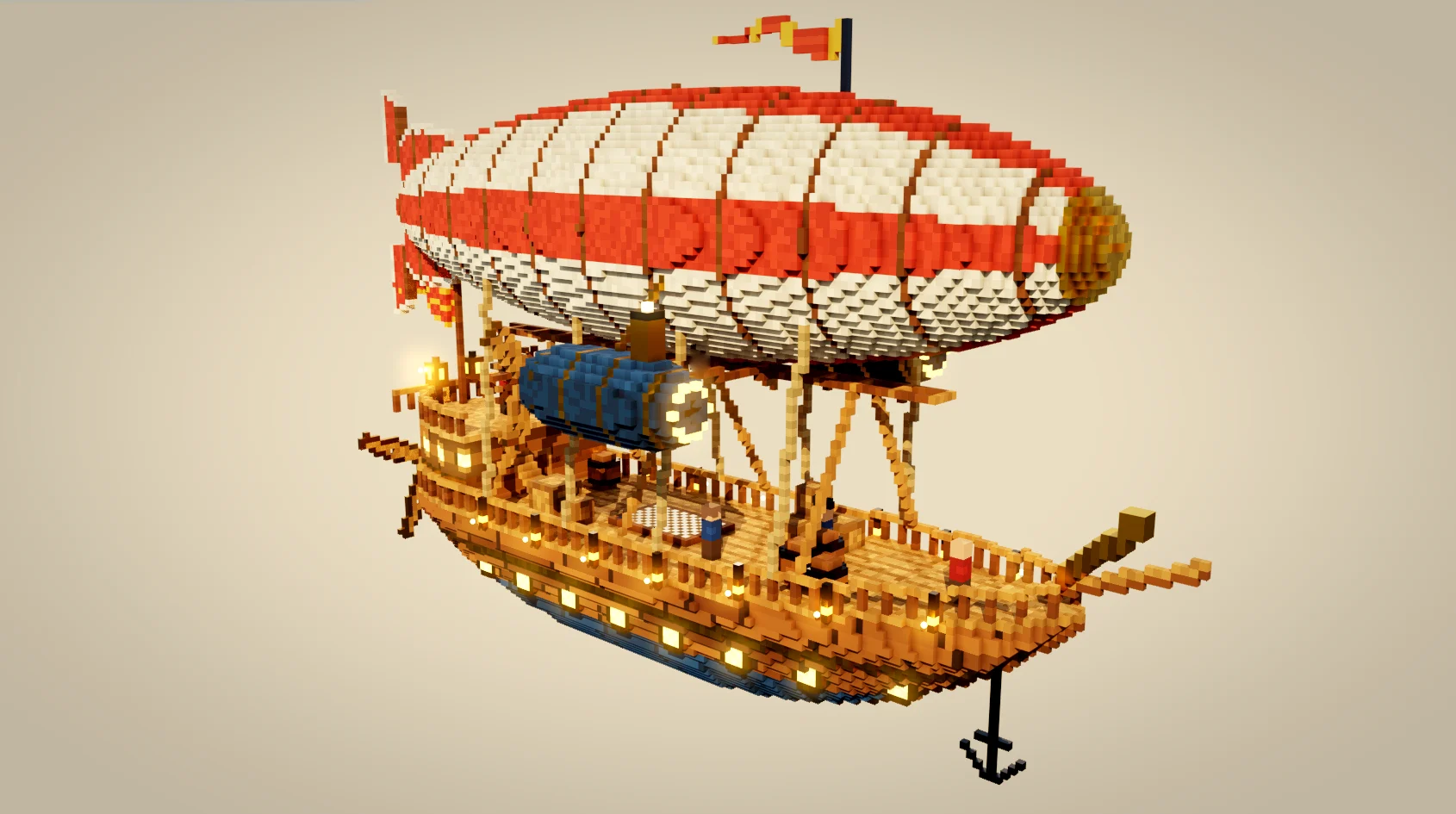
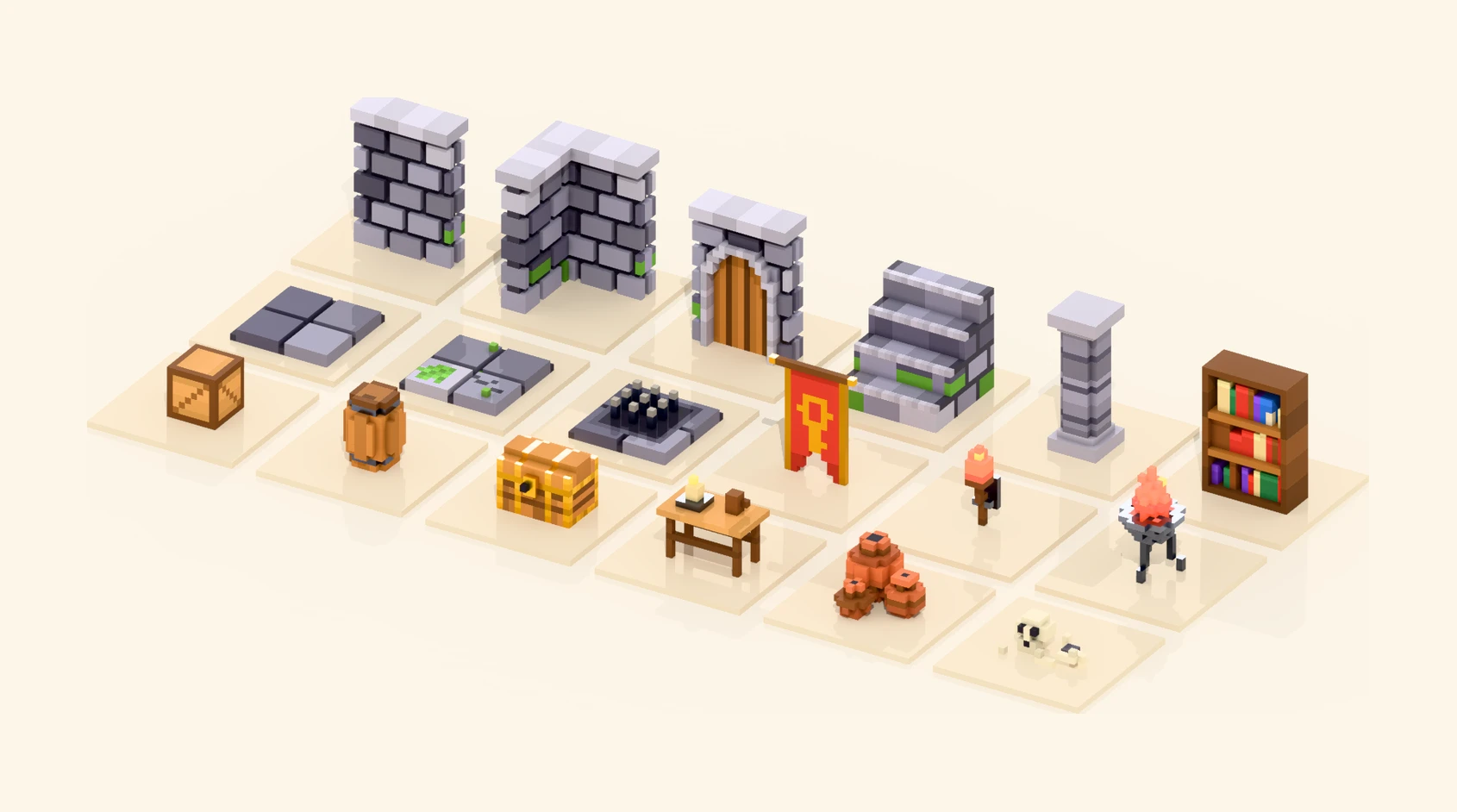
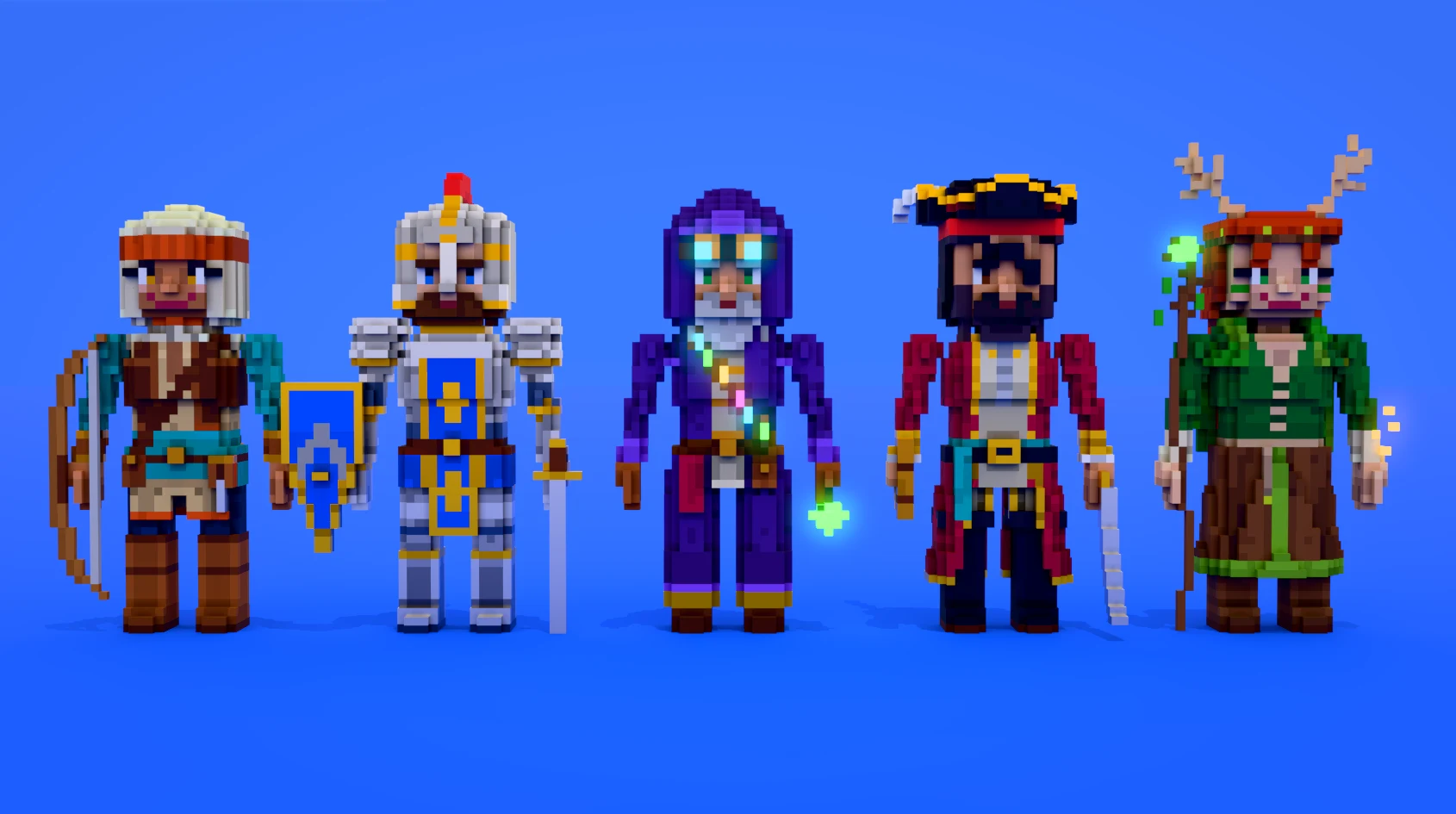
Characters, kits, creatures, worlds.
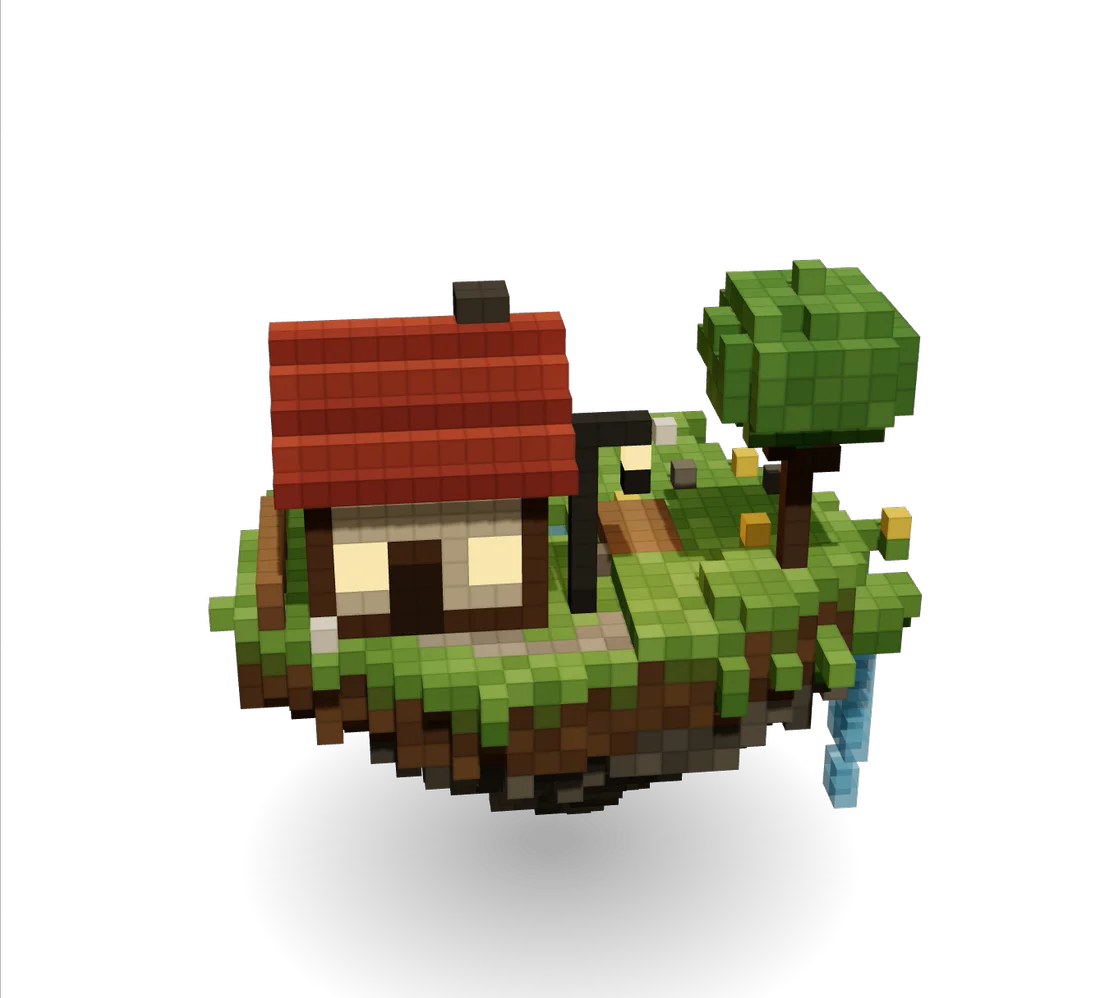
Every image here was made and rendered inside Ciwb.
FAQ
Questions
What platforms does Ciwb run on?+
Windows as a desktop app. On macOS and Linux, use it in your browser in Chrome or Edge; native apps are on the way.
How much does it cost?+
Ciwb is free forever, and so are the packs: rigged characters, kits and film sets.
Can I open my existing models?+
Yes. Ciwb opens .vox, .qb, .gox and Minecraft schematics, and turns 3D models into voxels.
Which game engines does the export support?+
GLB export is checked for Godot, Unity and Unreal, with collision, attachment points and LODs. Sprite sheets work for 2D games.
Does it need an internet connection?+
No. Ciwb works offline and sends no telemetry. See Privacy.
Can I write my own shaders?+
Yes. Point Ciwb at a folder of shader files and they show up next to the 80 bundled ones.
Start with a cube.
Download Ciwb, open a template, and have something on screen in a minute.